Customize Octo
Appearance
Choose a light, dark or system theme, accent color, corner style, density and font for your OctoPress screens.
Appearance settings change how the OctoPress screens look for your account only. They never change your site's theme. Other administrators keep their own look.
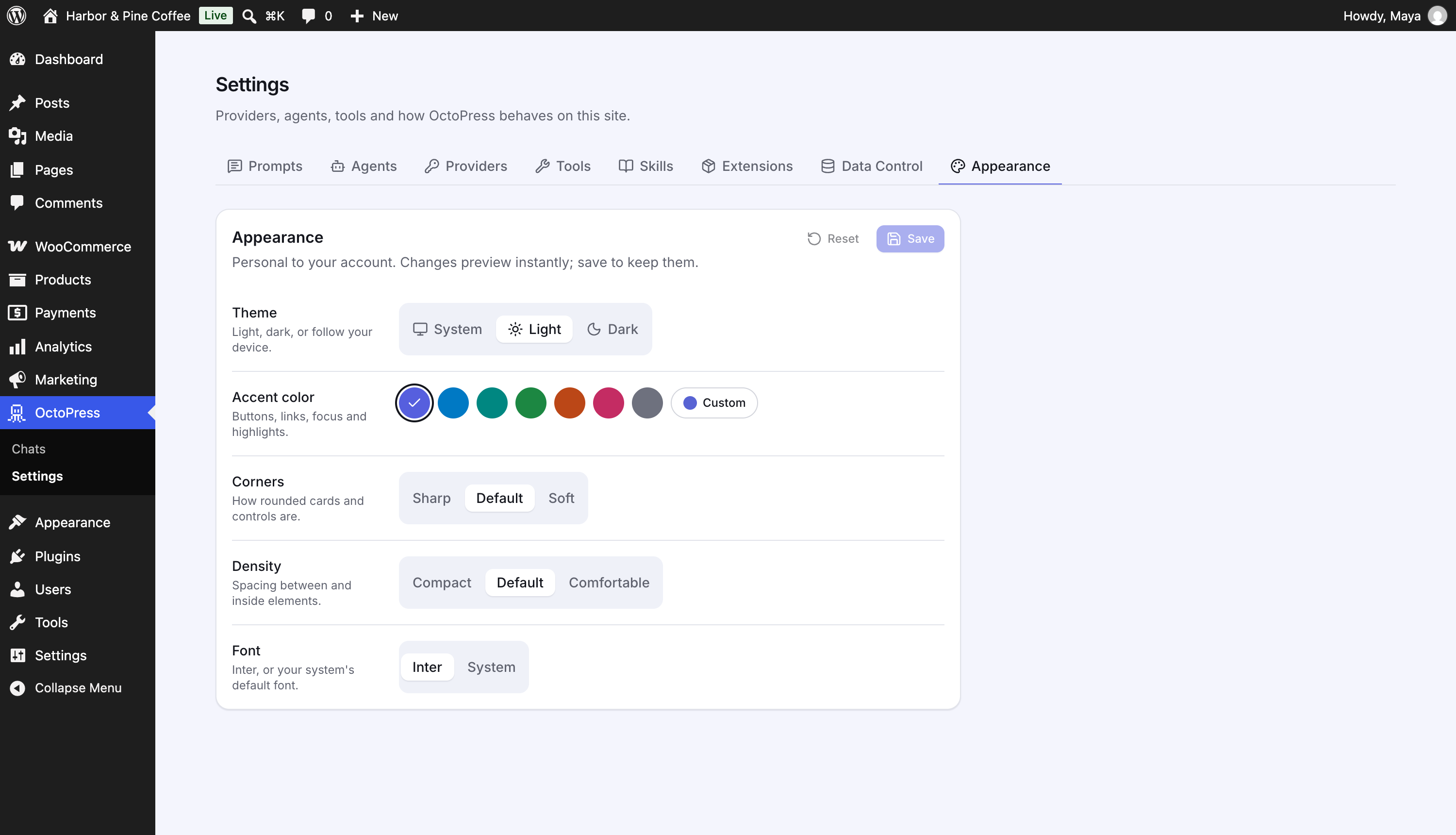
Open Settings → Appearance. Changes preview instantly; click Save to keep them, or Reset to return to the defaults.
| Setting | Options |
|---|---|
| Theme | System (follows your device), Light or Dark |
| Accent color | Violet, Ocean, Teal, Forest, Sunset, Rose, Graphite, or Custom (a hue slider from 0° to 360°). Used for buttons, links, focus and highlights. |
| Corners | Sharp, Default or Soft |
| Density | Compact, Default or Comfortable (spacing between and inside elements) |
| Font | Inter or System (your device's default font) |
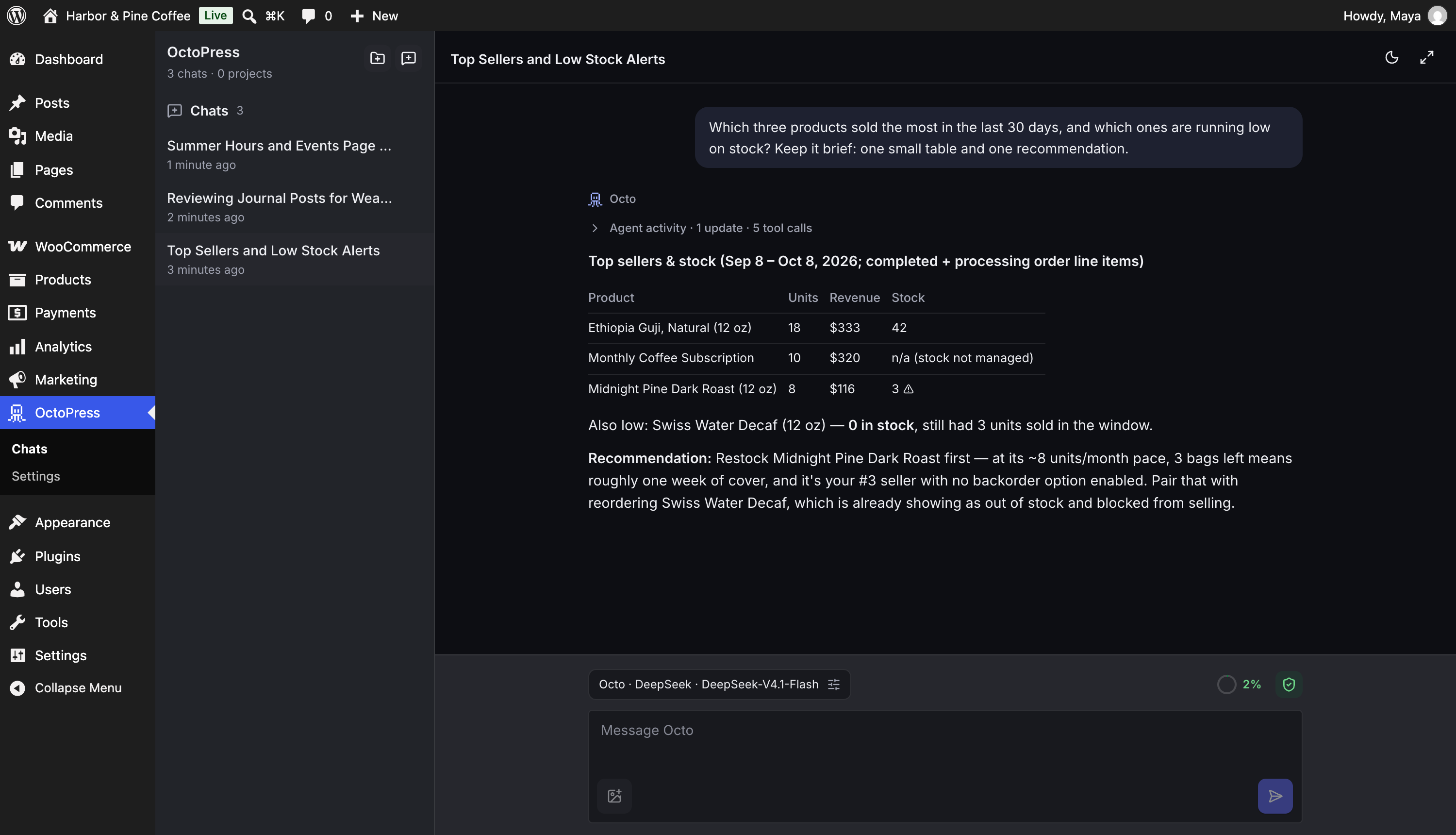
There is also a quick light/dark toggle in the chat's top bar and in the setup screen.